Translate any document.
Keep every line where it was.
Forms, contracts, invoices, certificates — translated into 100+ languages with the original layout intact. Tables, boxes, stamps and signatures stay exactly in place.
PDF · Word · Excel · PowerPoint · OpenDocument · RTF · TXT
Preview any document — freeSee it on a real document
A real form, translated in seconds — every line, box and table kept exactly where it was.
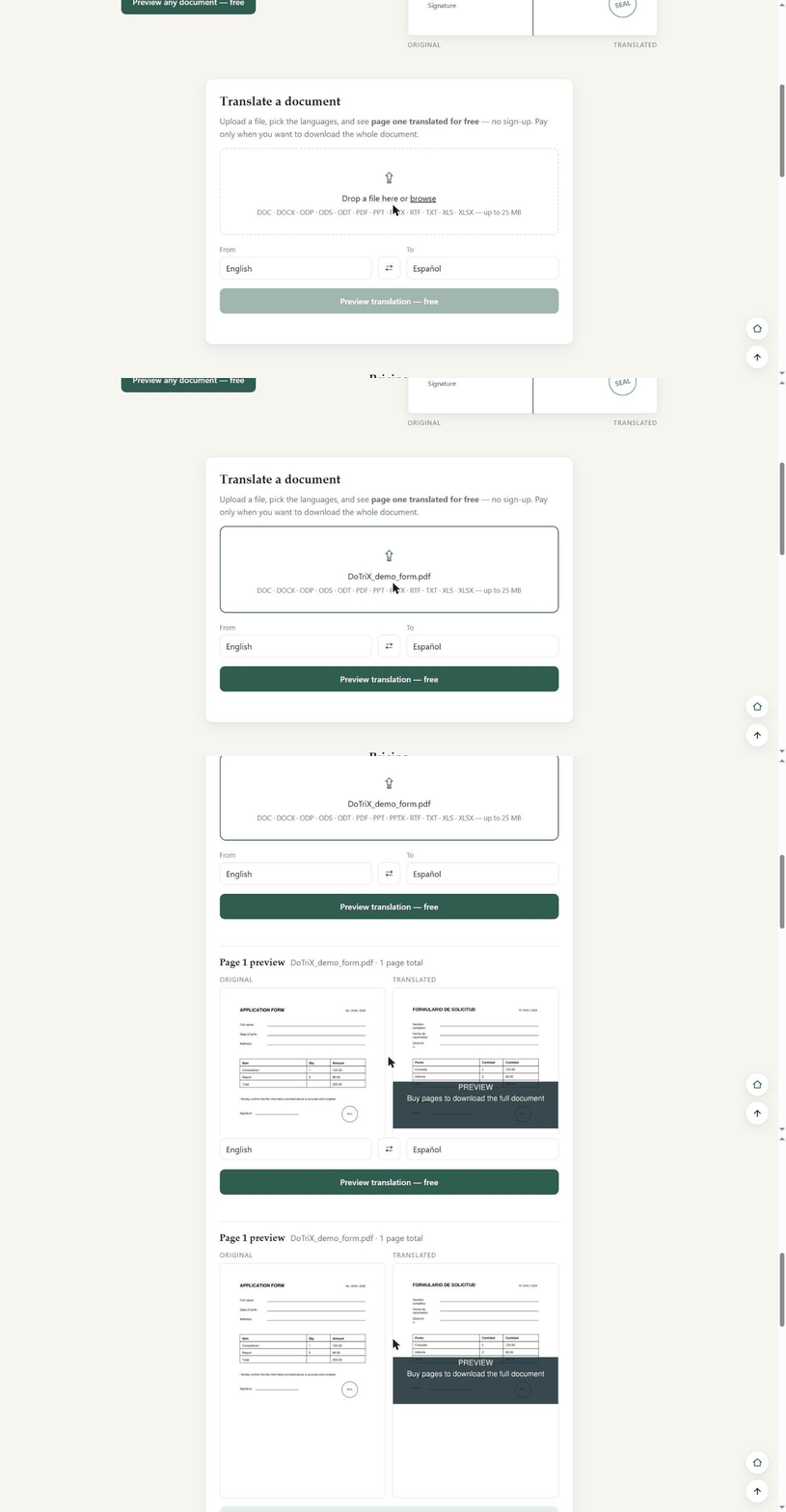
Translate a document
Upload a file, pick the languages, and see page one translated for free — no sign-up. Pay only when you want to download the whole document.
Page 1 preview
Your documents
Pricing
Preview
Free
See page one translated — no sign-up, no card.
Pay per page
$25
50 pages · valid 30 days
One-time. No subscription. A short document costs only its pages. You preview first, then pay to download the whole file.
Payments are being set up — the free preview works now.
Put DoTriX on your own website
Let your own users translate documents on your site — layout intact, 100+ languages. Add it with one line of code, or call our API from your backend.
Widget — one line of code
Works on any site, even static HTML. Your visitors translate right there, on your page.
<script src="https://votrix.eu/dotrix/widget.js" data-key="dtx_pub_…" async></script>
- Visitors pay their own — or you pay for them, with daily limits
- Locked to your domains, so the key can't be reused elsewhere
Server API
Call DoTriX from your backend (PHP, Node, Python…) — full control, webhooks, idempotency.
- One secret key per site, usage isolated per site
- Read the API docs →
Business pricing
Buy pages in volume — cheaper per page, valid 12 months. Your visitors or your integration draw from this balance.
Free to set up — you only pay for pages. The free preview works for your users too.
Connected sites
Add DoTriX to your other websites. Widget — for any site, even static HTML: paste one line of code. Server API — for sites with a backend (PHP, Node…). Documentation
Copy these now — they won't be shown again.
Paste this where the widget should appear on :